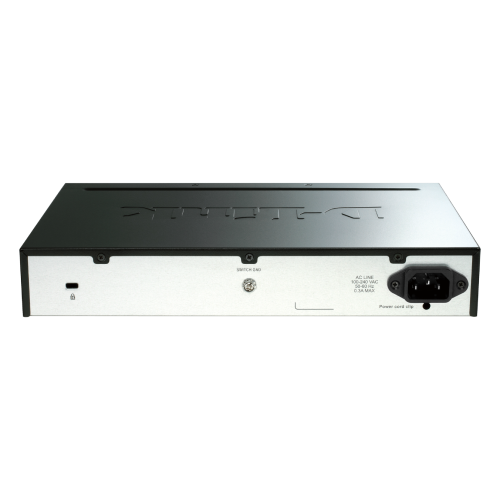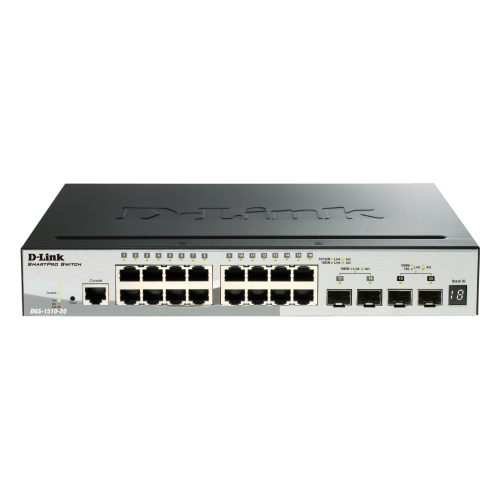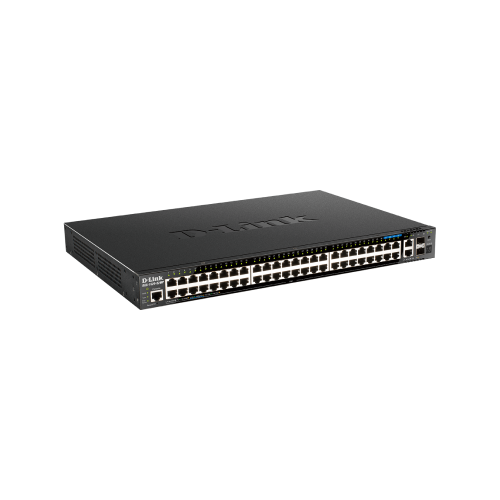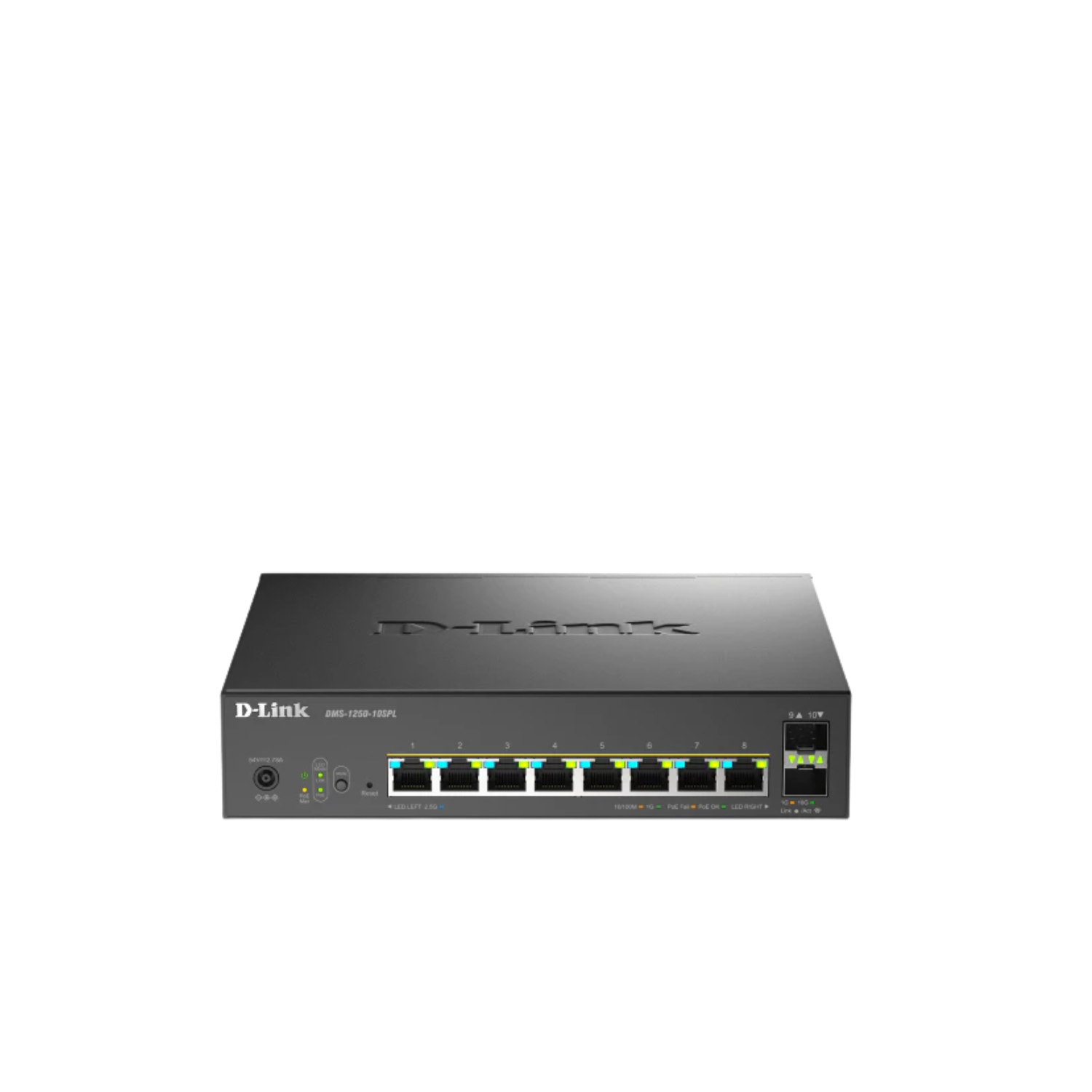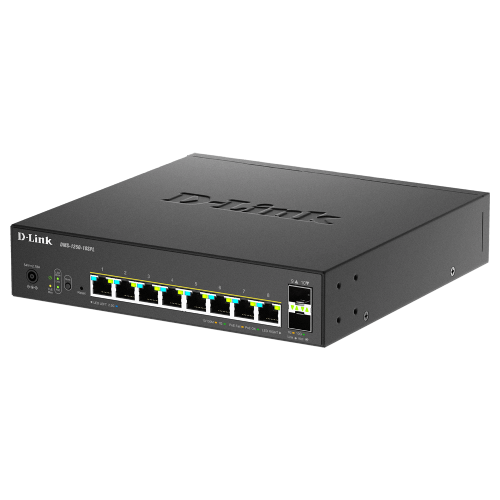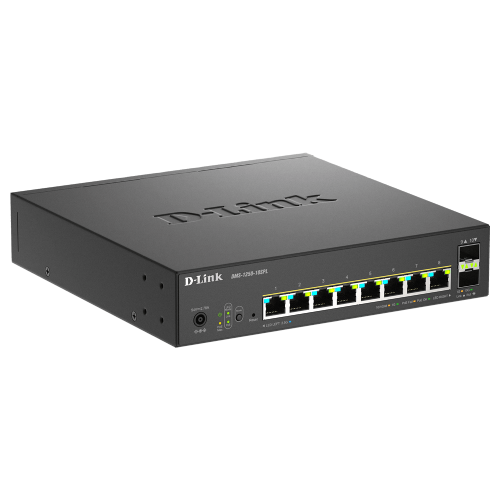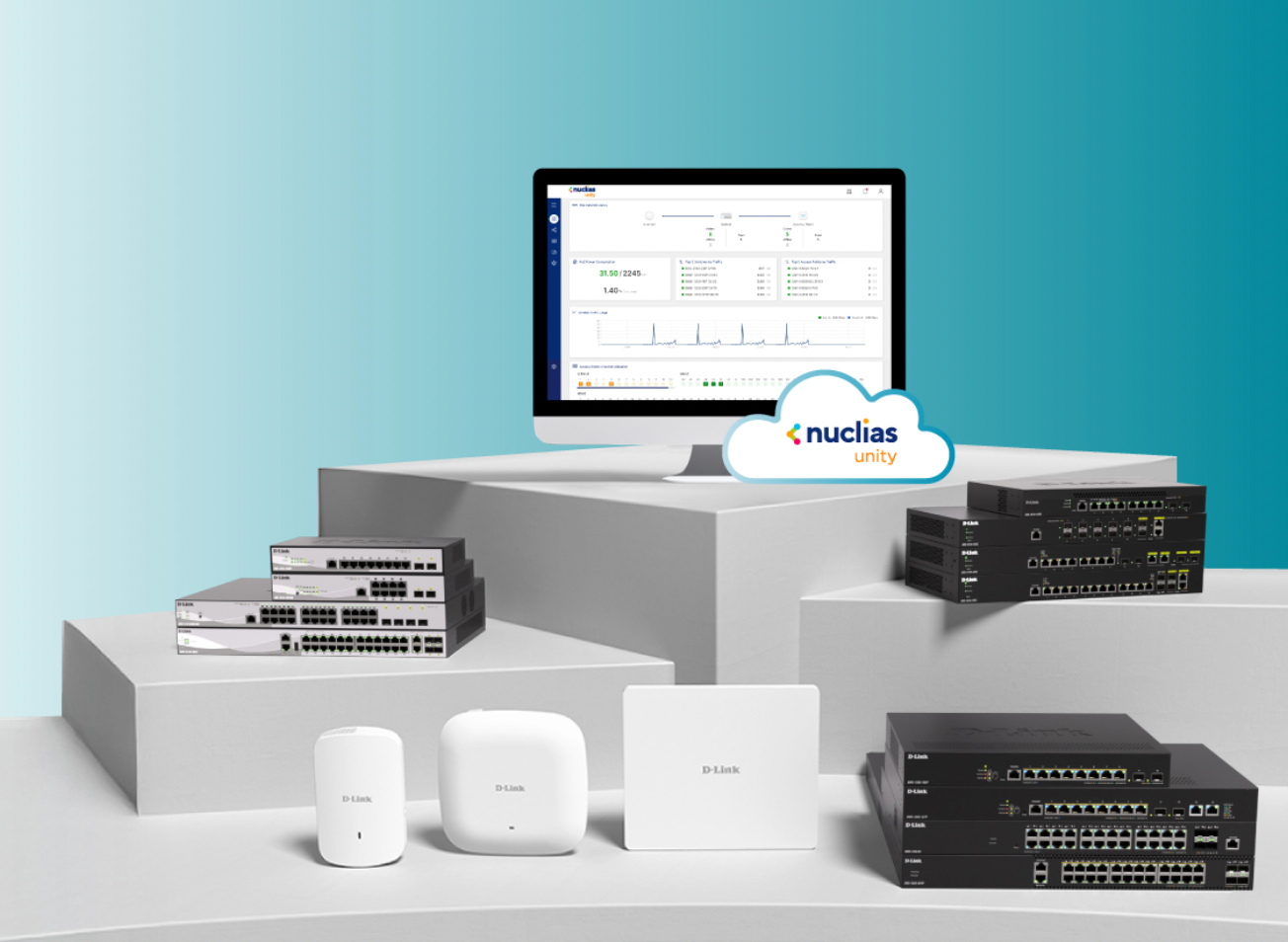

Centralized Cloud Management for Your AP and Switch

Nuclias Unity is your single pane of glass for complete, cloud-based network control. Unify the setup, monitoring, and security of all your APs and switches from one intuitive dashboard. Visualize your entire network on a live topology map, push centralized configurations with a click, and get proactive alerts. Deploy faster, troubleshoot smarter, and simplify your IT life and reclaim your time.

Hardware-Free Network Operations

Simplified network control. Get enterprise-grade reliability and stability without the cost and complexity of on-premises hardware. Simple, secure, and designed for effortless operations.
Role-Based Access Control

Assign precise permissions and capture every change in detailed audit logs. Achieve clear accountability, simplify reporting, and enforce scalable security—automatically.

One-Click Network Deployment

Configure once and deploy everywhere. Automate consistent network policies across all sites in seconds, eliminating manual configuration errors at any operational scale.

Comprehensive Network Management, Streamlined

Nuclias Unity provides real-time visibility, intuitive mapping, and centralized control, plus Wi-Fi Planner Pro and granular access tools for efficient, secure network operations.

Users and Guest Access Control

Define Wi-Fi, VLANs, and port settings, and manage guest access through captive portals with built-in rate limits. Keep visitor traffic isolated, safeguard your internal network, and deliver convenient guest Wi-Fi without compromising security.

Intelligent Network Diagnostics

Health dashboards give you an at-a-glance view of device status, interface errors, and connectivity. Built-in tests such as ping, traceroute, and remote packet capture help you isolate issues without going onsite. Historical logs and event timelines reveal recurring issues so you can fix root causes, not just symptoms.

Nuclias Unity App & Proxy

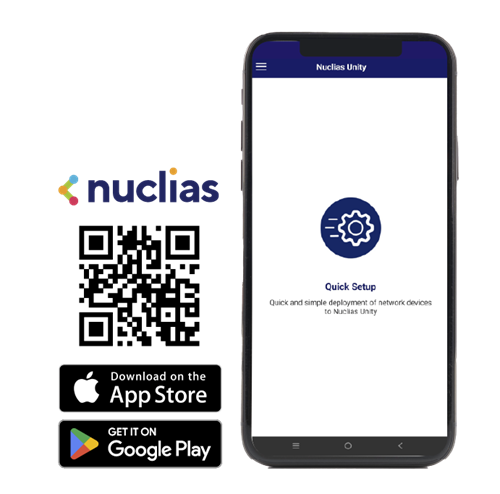
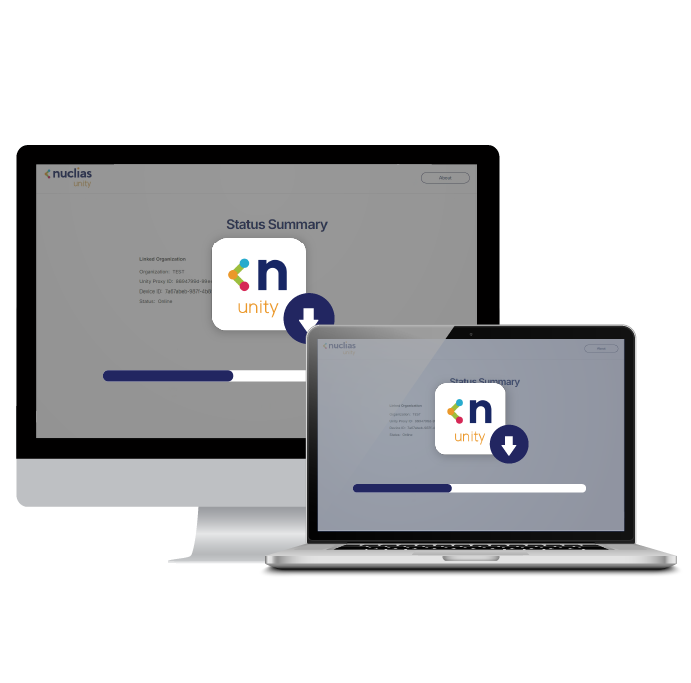
Use the Nuclias Unity App for quick local discovery and bulk onboarding, and rely on the desktop Unity Proxy to safely link devices to the cloud through a secure intermediary service.

Manage Multiple Organizations and Sites from One Place

View and control all your customers, branches, and locations in a single dashboard, while keeping each organization cleanly separated. Clarity at scale, perfect for service providers and multi-site businesses needs.

Nuclias Unity Applications

Nuclias Unity App

The Nuclias Unity App combines local device discovery with intuitive Batch Adoption, allowing for the quick and efficient onboarding of multiple devices to your chosen Org and Site.

Nuclias Unity App

Nuclias Unity Proxy

Unity Proxy is a software agent designed specifically for the Nuclias Unity platform, acting as a secure intermediary between cloud servers and devices. Tailored for specific network architectures, simply install it on a system supporting Windows 10 (64-bit) or later to quickly activate the cloud bridging service.

Download Unity Proxy

Nuclias Unity

Resources

FAQs

Deployment & Configuration

If the device loses internet connection, what happens?

The data traffic won't be impacted when the device is lost management, and the console of Nuclias Unity will be displayed as offline for those devices are not able to access the Intern.

Does Nuclias Unity support multi-site management?

Yes. Nuclias Unity supports multi-site management and provides a management architecture with at least two layers: Organization and Site.

What are the scalability limits in Nuclias Unity free version regarding devices, organizations, sites, and administrator accounts?

Nuclias Unity offers unlimited scalability for network deployment, but there are specific system limits to note.

  • Devices, Organizations, and Sites: Unlimited. You can manage an unlimited number of devices across unlimited organizations and sites without restriction.
  • Administrator Accounts: Limited to a maximum of 6 accounts per organization.
  • Event & Log Retention: Limited to 7 days.

Device Compatibility

Do existing devices that support Nuclias Unity require a specific firmware update for cloud management?

Yes. For supported products already shipped, users must first ensure the device is updated to the required Nuclias Unity-compatible firmware (Unity-compatible FW). After the firmware update, simply perform a factory reset on the device to adopt it into Nuclias Unity for management.

Software & App

What is Nuclias Unity APP?

The Nuclias Unity App is available on Android and iOS, primarily supporting the device provisioning function.

What is Unity Proxy?

Unity Proxy is a software appliance. To use it, you must install the Nuclias Unity Proxy software on a system running Windows 10 or a later version (64-bit)

What happens if a Unity Proxy-managed device's IP address changes?

If a device under Unity Proxy management undergoes an IP address change, the connection to the proxy will be interrupted. To regain full control and restore reliable communication, the device must be re-onboarded using its new IP address.

What should I do if Unity Proxy cannot discover my devices?

If Unity Proxy is unable to discover your network devices, we recommend following these troubleshooting steps to resolve the issue:

  1. Reinstall Npcap (Version 1.75): The DDP layer 2 device discovery relies on a third-party component called Npcap. If scanning fails, we suggest completely uninstalling your current Npcap and reinstalling Npcap version 1.75.
  2. Restart the Proxy Service: After reinstalling Npcap, you must restart the Nuclias Unity Proxy service to successfully reactivate the DDP layer 2 discovery function.
  3. Verify PC Firewall Settings: Ensure that the "Private network" firewall on the PC hosting the Unity Proxy is turned off. An active firewall can block local connectivity and prevent the proxy from discovering devices.

Need Some Help?

Connect with our enterprise experts for tailored solutions today!

Live Chat